
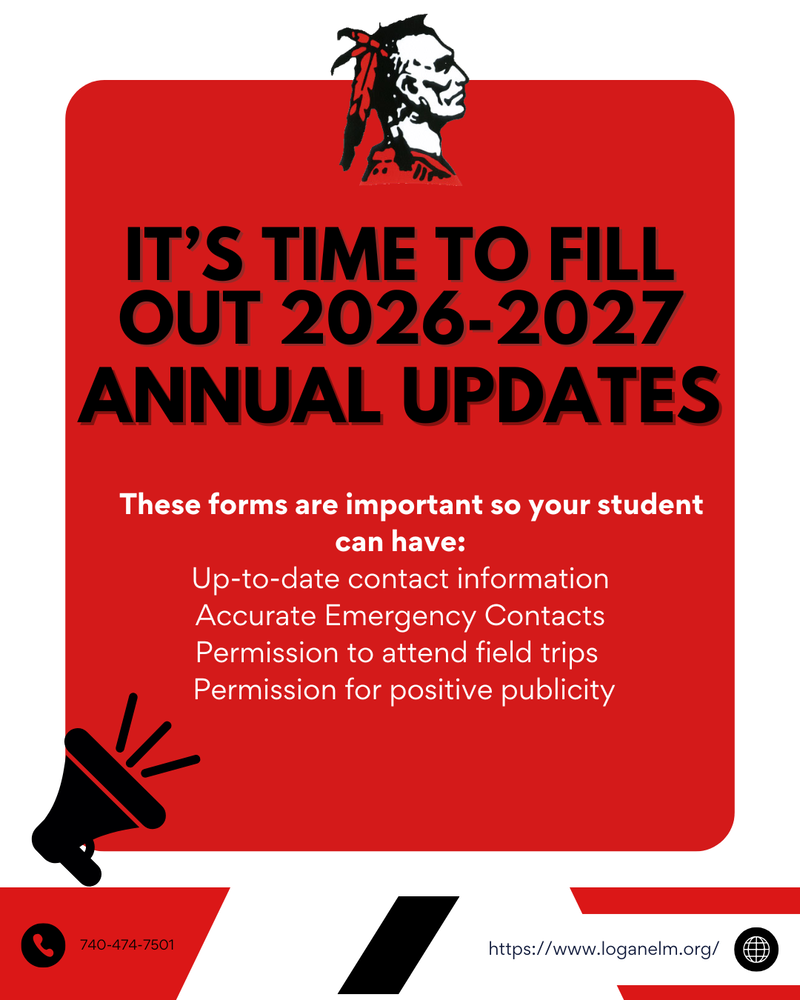
Parents/guardians must complete an Annual Update for their students for the 26-27 school year via the Parent Portal in Infinite Campus by August 31, 2026. The Annual Update serves as the student's emergency medical form. Completion is important as the schools must have current phone numbers for parents & emergency contacts, updated student health information, and permission to give over-the-counter medications. The Annual Update also includes permission for field trips, use of technology, and publicity.
Parents requiring a password reset or other assistance with their Parent Portal account may contact their student's school office or send an email to: emis@loganelm.org
Directions for completing Existing Student Registration (Annual Update):
Log into the parent portal:
Click on this link ----> Parent Portal Link
Click on "Campus Parent" and enter your username and password, then click "Log In"
Click "More" on the left side menu
Click on "Online Registration" in the center menu.
When the new screen appears, select the current school year's Existing Student Registration (please do not select New Student Registration).
Click "Start."
Be sure to click the red "Submit" button after you have reviewed and updated the registration.